CCIT News and Notices

Stay Alert Against Email Scams As New Semester Begins

As the new semester begins, the Office of Information Security encourages all staff, faculty, and students to stay alert against email phishing scam attempts. Analyzing any email asking users to click a link or share personal information is important. Phishing attempts are often tricky because, at first glance, the cybercriminals may pose as a University source/department/office and appear real. Here are some helpful tips to remember before you click or share: 

  1. Stay vigilant and know that phishing email attempts are happening, especially as a new semester begins.
  2. Clemson University will never ask for your login credentials via email, phone, or any online form. Do not share passwords with anyone. 
  3. Forward any suspicious email to phishing@clemson.edu or use the “Report Phishing” button in Microsoft Outlook. 

If you have questions or want to learn more about reported cybersecurity alerts, visit CCIT’s Cybersecurity website. 

The my.Clemson Application Removed from App Stores; Replaced with Tigers Commute

On August 31, 2024, the my.Clemson mobile application will no longer receive support from CCIT or be available for download from the Apple App Store or Google Play. The my.Clemson website will remain functioning, providing useful tools like the Directory, Public Safety information, and redirects to other sources of information from Academics, Athletics, and more.  

For users who relied on my.Clemson for transit information, Parking and Transportation Services has recently rolled out their new solution, called Tigers Commute. This features a new Tigers Commute app, which offers up-to-the minute information on bus routes, electric charging stations and e-bike availability, ride sharing, and more. Students and employees are encouraged to utilize these new resources for mobile applications and transition away from my.Clemson.  

Important Updates to SmartSheet

Clemson University’s Procurement and Business Services informed Smartsheet on August 12, 2024, the University will no longer permit license purchases or renewals of Smartsheet due to Smartsheet’s inability to support accessibility as defined by the Americans with Disabilities Act (ADA). 

Clemson University strives to create an accessible environment for all its community. Therefore, it is essential any tools used to conduct business conform with ADA accessibility standards.  

Sunsetting Smartsheet at Clemson 

Sunsetting Smartsheet places Clemson on a path towards federal compliance with Title II of the ADA.  

Steps to Compliance: 

  • Beginning August 12, P-Cards may no longer be used to purchase licenses or renewals for Smartsheet products.  
  • Faculty and staff currently using the product must begin a sunsetting plan and navigate to other options.
    • If you need assistance with this process, faculty and staff are encouraged to reach out to their area’s IT Consultant. They can connect you with alternatives or help you in this transition.  

First-Year Laptop Set-Up Workshops to Help Students Prepare for a New Semester

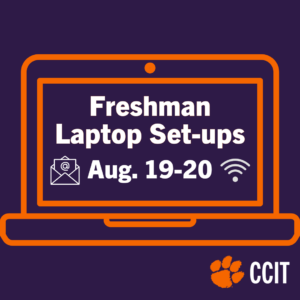
Teams of CCIT employees are excited to help new first-year students ensure their laptops are ready for a new semester and academic year. On Monday, August 19 and Tuesday, August 20, students can bring their laptops to workshop sessions for their colleges and types of laptops. These sessions will inform students about CCIT’s software offerings and cover basic set-up topics such as connecting to eduroam for wifi, accessing Adobe products, ensuring their email accounts are working, and getting answers to any other questions. Students must register in advance via this link to secure their spot and arrive on time at the start of each session.

The schedules are identical each day and are planned as follows: 

Monday, August 19 and Tuesday, August 20

Business + Education: 9:00 a.m. to 10:30 a.m.

  • Apple computers in Cooper 200b (second floor)
  • Windows computers in Lee Hall Room 111

CECAS: 11:00 a.m. to 12:30 p.m.

  • Apple computers in Cooper 200b (second floor)
  • Windows computers in Lee Hall Room 111

Science + BSHS: 1:00 p.m. to 2:30 p.m. 

  • Apple computers in Cooper 200b (second floor)
  • Windows computers in Lee Hall Room 111

CAH + CAC + Forestry: 3:00 p.m. to 4:30 p.m.

  • Apple computers in Cooper 200b (second floor)
  • Windows computers in Lee Hall Room 111

“Do I Keep My Email?” and Other Tech Questions from Graduating Tigers

Graduation is an exciting time for every Tiger, but it unfortunately does mean a change to some of the software and services you’ve grown accustomed to during your time at Clemson. Luckily, with a few minutes of review, you can prepare your technology and data for graduation.

Frequently Asked Questions

Do I keep my Clemson Google account?

Graduates will have access to their Clemson Google account for one year following graduation. Please note that forwarding of your @clemson.edu email address will cease soon after your username is deactivated. We suggest updating your contacts or accounts to use a different email address so you don’t lose anything when your account is closed.

We recommend you move your Google Drive files to another cloud storage service or personal Google Drive account in preparation for the closure of your Clemson Google account after one year. You can use Google Takeout (takeout.google.com) to export your Google account data if you wish to store it elsewhere, or you can use the transfer service (takeout.google.com/transfer) if you plan to move it to another Google account.

What about the files in my other cloud storage accounts?

  • Your access to Box and OneDrive will end one year after graduation. We recommend that you download your files from those accounts as soon as possible, so you don’t forget about them. 
  • Any files you create and manage in CUapps (Citrix) are stored on your U: drive (also called Home Directory). You will have access to your U: drive for one year after graduation, so be sure to download those files before you lose them. The CCIT Knowledge Base contains instructions to access your U: drive for macOS and Windows.
  • If you use the Palmetto Cluster or any of Clemson’s research computing storage, we recommend you download your data from there as well. For research computing assistance, contact Research Computing and Data.

What software do I keep?

Once you graduate, you will no longer qualify to reinstall Clemson’s site-licensed software. Access to Adobe Creative Cloud will be disabled upon graduation as well. Make sure to save copies of your Adobe files, projects and assets, or use these instructions from Adobe on how to transfer your assets to a new Adobe profile. 

Can I download my submitted Canvas assignments?

Yes. Visit our CCIT Knowledge Base for step-by-step instructions.

Is there anything else I should do?

  • Save a copy of your unofficial transcript after final grades are submitted. After your Username is deactivated, you will no longer be able to access your unofficial transcript—we suggest you save a copy sooner rather than later. After your Username is deactivated, you will have to request an official copy for a fee, as directed by the Registrar’s transcripts page.
  • Save a copy of your tax records. After your Username is deactivated, you will no longer be able to access iROAR for your billing information. If your account is deactivated and you need to get these records, contact CCIT at (864) 656-3494.

If you have any questions or need assistance, please contact CCIT Support by calling/texting (864) 656-3494, emailing ITHELP@clemson.edu or starting a chat by visiting TigerHub and clicking the orange chat box at the bottom of the page.

Scam Alert: Clemson Students Targeted in Job/Internship/RA Scam Campaigns

The Office of Information Security at Clemson University is urging students to exercise extreme caution when opening, receiving or responding to emails related to opportunities like jobs, internships or Research Assistantships (RA). At this time, students are being targeted with emails appearing to be legitimate, requesting responses with personal information like email addresses, full title, Clemson department affiliation and year of study. These emails may appear to come from people within the “Office of Academic Affairs” or “Office of Job Placement and Student Service.” The sender of these emails does not have an @clemson.edu email address and requests immediate action for response to a person with a non-Clemson email address. These items indicate that the email is not legitimate and should be reported immediately by forwarding the email to phishing@clemson.edu.

If someone is emailing you about job opportunities and requesting a response, always practice extreme caution and do not immediately assume the source is legitimate. An example of the email students are receiving is below:

Stay Alert Against Vishing Calls

Clemson University is seeing an increase in voice phishing, or vishing calls. Vishing is a social engineering tactic performed through phone calls where the caller uses deception and manipulation to gain access to a system or to personal information. The goal of a vishing phone call is to gain access to someone’s account or service by posing as someone they are not. Once a cybercriminal has access to your account, they can change passwords and lock you out of your own account in addition to transferring data or funds from financial accounts.

One example could be someone calling you saying they are a representative of your bank and are seeing some potentially fraudulent purchases on your credit card. They ask you to verify your information, including mailing address, date of birth, or account number. Once they have this information, they could call your bank after and claim to be you. When the bank asks them for the personal information on the account, the cybercriminal now has the right answers from their call with you. 

To reduce the risk of becoming a vishing victim it is recommended to not answer calls from unknown numbers on your personal phone. If you do get a message or call claiming there is an urgent issue, do not trust the validity of the call right away. It is always safer to verify the information yourself by hanging up from the call and then calling the institution or person who supposedly just called you. Do not trust the caller is who they say they are and always verify on your own before giving them personal information. 

Visit this page periodically to stay updated on recent cybersecurity alerts. The Office of Information Security provides frequent updates as new threats or attempts are reported. 

Reminder: Use Outlook to Report Suspicious Emails

Clemson University members receive upwards of 2,600 malicious emails each month. The Office of Information Security reminds members of the campus community to stay alert when opening emails or before clicking any links in them. If an email looks suspicious, or if it contains any identifiers that qualify it as a potential way to access your information, there are a few easy ways to ensure a timely response from the CCIT Security team: 

  • Microsoft Outlook has a convenient button that says “Report Phishing” with a shield. Clicking on this button sends the email in question to the CCIT Security team with all the email details.  They will analyze it, take action if needed, and let you know if it is harmful if you request confirmation.
  • If you do not see the “Report Phishing” button, you can also forward the email to phishing@clemson.edu. 

The most direct way to resolve these matters is to report it directly using the Report Phishing button. You can still email or call the CCIT Support Center, but those options are not as efficient.   

As always, do not click on links in questionable emails, open attachments from unknown senders, or panic. Campus members are encouraged to check the Cybersecurity Alerts page to review recently identified scams. 

CCIT Celebrates Employee Service Milestone Awards

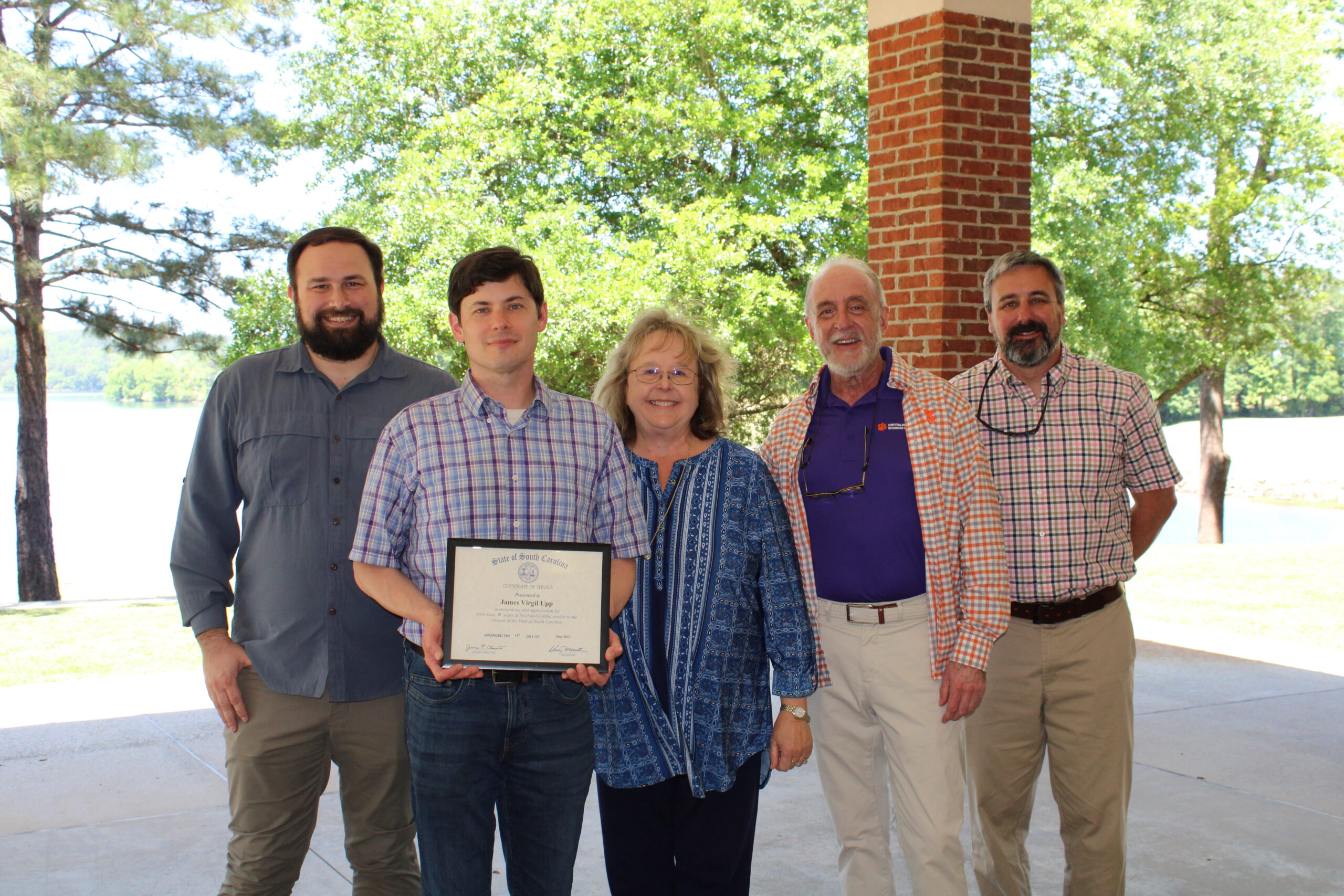
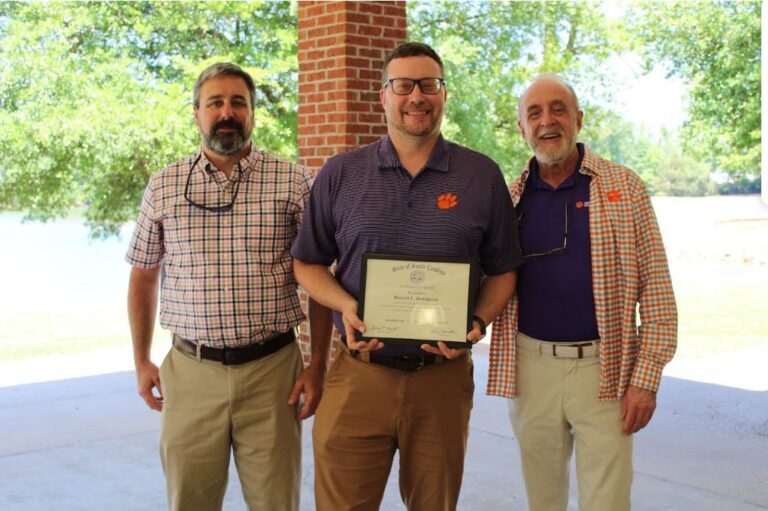
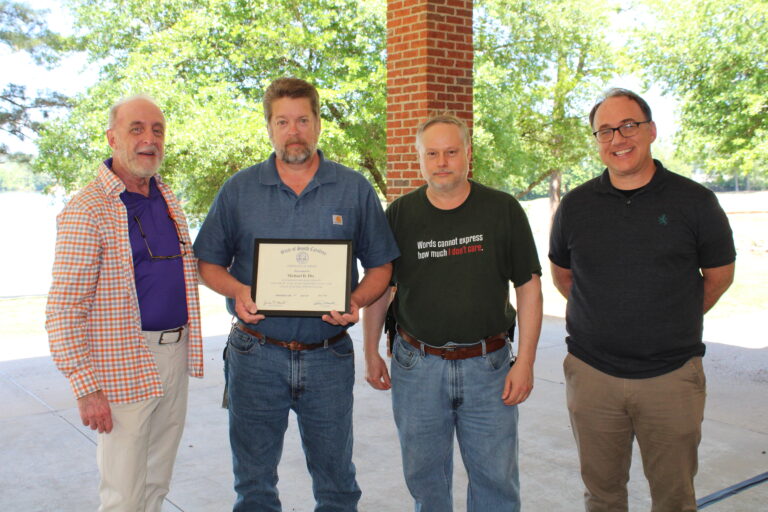
On Wednesday, May 1, 2024 the Division of Clemson Computing and Information Technology (CCIT) celebrated employees who reached milestones in university service. The annual Division gathering occurred at the Madren Center pavilion and offered a chance for employees to be recognized and congratulated for their enormous contributions and achievements. CCIT is grateful for each one of these individuals and wishes them continued success in their roles and futures.

Spring 2024 Service Award Recipients:


James Bradshaw (not pictured), Sr. Database Administrator, Infrastructure Systems and Operations, 40-year service award


Stacy Whitaker, Executive Assistant I, CIO Office, 30-year service award

James Upp, IT Tech III, Enterprise Systems and Applications, 20-year service award

Tom Standridge (not pictured, retired), Network & System Admin II, Network Services, 20-year service award


Barrett Kendjoria, IT Manager IV, Enterprise Systems and Applications, 10 year service award


Michael Belanger, IT Manager II, CCIT Customer Support Services, 10 year service award

Tim Dickson, System Programmer/Developer IV, CCIT Customer Support Services, 10-year service award

Glenn Williams, IT Consultant I, CCIT Customer Support Services, 10-year service award

Michael Dix, Data Center Facilities Manager, 10-year service award


Apple Device Users See Increase in Fraudulent Authentication Attempts

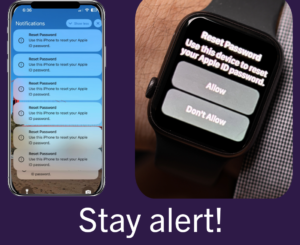
Last week, the Office of Information Security at Clemson University updated its Cybersecurity Alerts page about a recent fraudulent situation impacting Apple devices. Similar to how Clemson uses DUO to verify a person’s identity, before someone’s Apple ID can be reset, a user’s phone receives a prompt asking for verification for the reset. In this new scam, Apple device users may experience a bombardment of up to 100 prompt notifications asking them to approve or deny a password reset on their Apple ID. These requests are fraudulent and if approved, cybercriminals can change the Apple account password and lock users out. 

iPhone and Apple Watches may get bombarded with notifications like this for this scam.

Even if users deny those requests, they may still get a phone call where the scammers claim to be Apple Support because they know the phone number associated with the account. Apple Support will never initiate outbound calls to customers unless those customers have requested to be contacted. The purpose of this fraudulent call is to try to initiate a reset by having users read the text message containing a one-time passcode. If the user supplies that one-time code to the fake Apple Support caller, the cybercriminals will use that information to reset the password on the account and lock the real user out of their own account. Once the scammers have control of the account, they can also remotely wipe all of the Apple devices.

If you receive a call from someone claiming to be Apple Support, it is best to hang up and contact the official Apple Support Center to see if there is an issue. It is important to continue to deny the message notification prompts for password reset if they were not initiated by the account user.  

Visit the Cybersecurity Alerts page often to stay informed on all things related to scams that might impact the campus community.